
What Does Code B1844 Mean?
DTC B1844 signifies a detected malfunction within the vehicle’s “Phone Handset Circuit.” In contemporary automotive systems, the term “phone handset” typically refers to the integrated hands-free communication system, which includes components such as the vehicle’s microphone array, speaker output channels dedicated to call audio, and the associated wiring and control unit responsible for Bluetooth or telematics functionality. This code is classified as a Body (B-code) DTC, indicating an issue within the comfort, convenience, or accessory systems rather than the powertrain. The detection of this fault is usually performed by the Body Control Module (BCM), Infotainment Control Module (ICM), or a dedicated Telematics Control Module (TCM), depending on the vehicle manufacturer and architecture. The control module monitors the electrical integrity of the phone circuit, looking for anomalies such as an open circuit (discontinuity), a short circuit to ground, a short circuit to voltage, or an out-of-specification resistance value that indicates a component failure or wiring defect. When one of these conditions is met, the module logs B1844, indicating a loss of expected electrical signal or functionality within the hands-free phone system’s primary input/output path.
Common Symptoms
- Inability to establish or maintain a hands-free Bluetooth phone connection.
- No audible output from the vehicle’s speakers during a phone call.
- Microphone failure, preventing the caller from hearing the vehicle occupant.
- Error messages displayed on the infotainment screen such as “Phone System Malfunction,” “Hands-Free Unavailable,” or “Telematics System Error.”
- Unresponsive or intermittently functional steering wheel controls or infotainment buttons related to phone operations.
- Abnormal behavior of other integrated infotainment or navigation features due to shared module dependency.
What Causes the Code B1844?
- Damaged Wiring Harness: An open circuit, short to ground, or short to voltage within the wiring connecting the hands-free module to the microphone, speakers, or phone interface unit. This can be due to chafing, corrosion, or accidental damage.
- Faulty Hands-Free Microphone Assembly: An internal electrical failure within the microphone unit itself, which may include the microphone element, pre-amplifier, or associated internal circuitry.
- Defective Infotainment/Telematics Control Module: Internal hardware or software malfunction within the primary module responsible for managing hands-free communication. This module may also house the Bluetooth transceiver.
- Corroded or Loose Electrical Connectors: Poor electrical contact at the terminals of the hands-free module, microphone, or any inline connectors, leading to intermittent or complete signal loss.
- Speaker Circuit Malfunction: While less common for a “handset” circuit specific code, a short or open in the speaker circuit dedicated to phone calls could trigger a general circuit fault if the system is designed to monitor the entire audio path for calls.
How to Diagnose and Troubleshoot
Diagnosis of B1844 requires a methodical approach, often utilizing a multi-meter and an advanced diagnostic scanner.
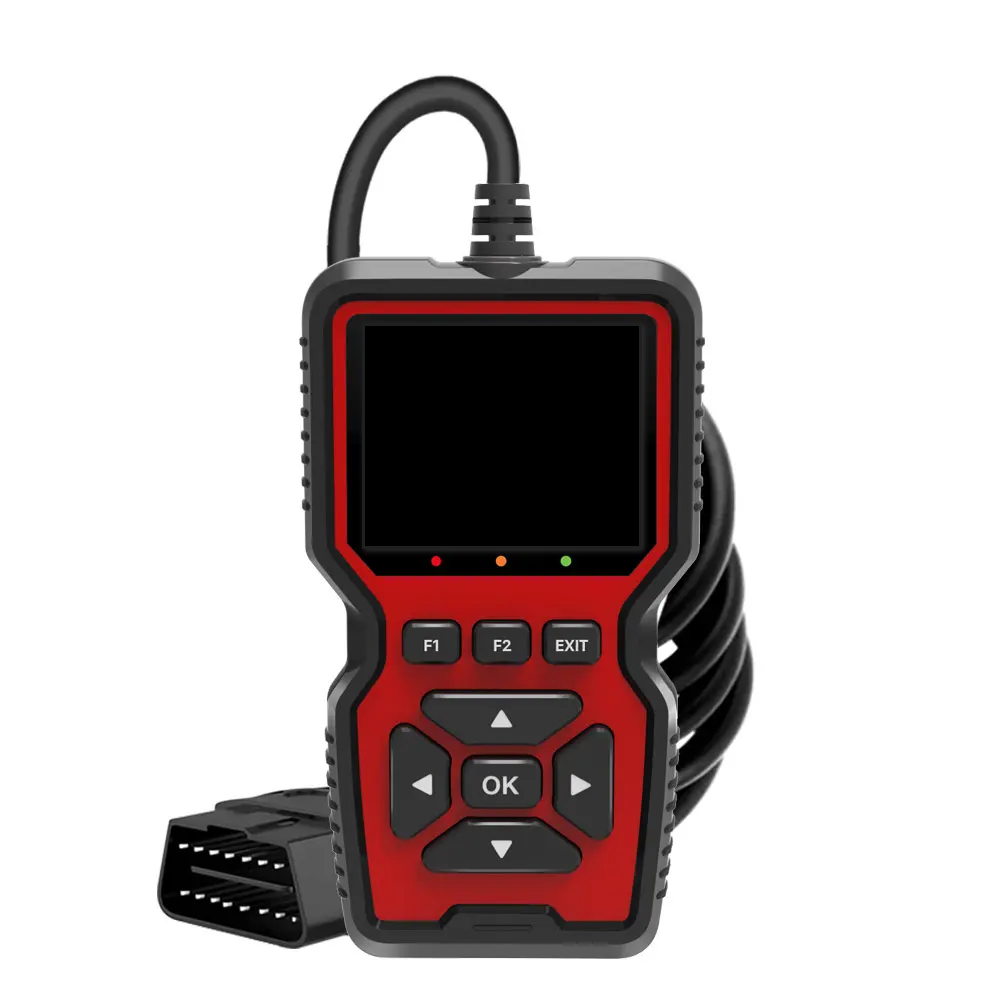
- Initial Scan and Data Review: Connect an OBD-II scanner capable of accessing Body/Infotainment Control Module data. Check for B1844 and any other related or historical DTCs. Pay attention to freeze frame data, if available, which can indicate operating conditions when the code was set.
- Visual Inspection: Perform a thorough visual inspection of the wiring harness associated with the hands-free system. This typically involves circuits leading to the microphone (often located in the headliner or rearview mirror assembly) and the central infotainment/telematics module (commonly behind the dashboard). Look for signs of chafing, cuts, pinch points, corrosion at connectors, or signs of water intrusion. Ensure all relevant connectors are securely seated.
- Circuit Integrity Testing (DMM):
- Locate Wiring Diagrams: Obtain the precise wiring diagrams for the vehicle’s hands-free communication system. Identify the module responsible for the hands-free function and the specific terminals for the microphone input, speaker output, and power/ground.
- Disconnect Components: With the ignition OFF, carefully disconnect the hands-free module and the microphone assembly from the wiring harness.
- Check for Open Circuits: Using a Digital Multimeter (DMM) set to ohms, test for continuity between the corresponding terminals at the module harness connector and the microphone harness connector. A reading of OL (Open Line) or very high resistance indicates an open circuit. Expected resistance should be very low (typically < 1 ohm).
- Check for Shorts to Ground: With the microphone and module disconnected, test each wire in the hands-free circuit (signal wires, power wires, etc.) for continuity to a known good chassis ground. Any low resistance reading (close to 0 ohms) indicates a short to ground.
- Check for Shorts to Voltage: Reconnect the module and microphone. With the ignition ON, use the DMM set to DC volts to probe each signal wire in the circuit. Look for unexpected voltage present on wires that should only carry low-voltage signals or ground. This indicates a short to voltage from another circuit.
- Microphone Resistance Check: If specifications are available, measure the resistance across the microphone’s terminals while it is disconnected from the vehicle harness to check for internal failure.
- Power and Ground Verification: Verify that the hands-free control module receives proper power supply and ground connections. Use the DMM to check battery voltage at the module’s power input terminals and verify a solid ground connection.
- Component Substitution (if applicable): If all wiring tests pass and the code persists, and if a known good microphone or module is readily available (e.g., from a donor vehicle or service parts stock), temporarily swapping the component can help isolate a faulty unit.
Recommended Repairs and Solutions
Addressing a B1844 code typically involves repairing or replacing the component identified during the diagnostic process:
- Wiring Harness Repair: If an open circuit, short, or high resistance is identified in the wiring, repair the affected section of the harness. Utilize OEM-approved repair procedures, including soldering, heat-shrink tubing, and appropriate wire gauges. For extensive damage, replacing the entire sub-harness may be more practical and reliable.
- Connector Service: Clean any corroded terminals using an electrical contact cleaner and a small brush. Ensure all terminals have proper tension and fully seat into their connectors. Apply dielectric grease to prevent future corrosion upon reassembly. Replace any severely damaged or compromised connector housings or terminals.
- Microphone Assembly Replacement: If circuit tests confirm an internal fault within the microphone assembly (e.g., open internal circuit, incorrect resistance), replace the entire microphone unit. Ensure the replacement part is compatible with the vehicle’s specific trim level and infotainment system.
- Infotainment/Telematics Control Module Replacement: If all external wiring, power, ground, and peripheral components (like the microphone) test good, and internal module diagnostics point to a failure, replacement of the control module is necessary. Important Mechanic’s Tip: Most modern control modules require programming, coding, or parameterization with a factory-level scan tool after installation to function correctly and communicate with the vehicle’s network. Failure to do so will often result in continued system malfunction or other DTCs.
- Software/Firmware Update: In rare cases, a known software bug within the infotainment or telematics module can trigger false circuit failure codes. Check for Technical Service Bulletins (TSBs) from the manufacturer that recommend software updates to resolve such issues.
- Final Verification: After any repair, clear all DTCs from the relevant modules. Perform a functional test of the hands-free system, including making and receiving calls, to confirm proper operation and ensure the B1844 code does not return.