
What Does Code B1874 Mean?
DTC B1874 indicates that the vehicle’s Body Control Module (BCM) or a dedicated Telematics Control Unit (TCU) has detected that the integrated cellular phone handset is not present or not properly communicating with the vehicle’s onboard telematics system. This code is typically associated with older, factory-installed hands-free cellular phone systems or telematics units, rather than modern Bluetooth connections to a personal smartphone. The BCM/TCU monitors a specific input or communication line to verify the physical or virtual presence of this integrated handset. When this expected presence signal is absent or falls outside predefined parameters, the BCM/TCU registers the B1874 diagnostic trouble code. This implies a failure in the detection circuit, the connection, or the handset module itself, preventing the integrated cellular functionality from operating correctly.
Common Symptoms
- Inoperative integrated hands-free cellular phone system.
- Display messages such as “Phone Not Present,” “System Malfunction,” or “No Phone.”
- Failure of vehicle-specific telematics services (e.g., roadside assistance, concierge services) if reliant on the integrated phone module.
- System warning lights related to telematics or communications may illuminate on the instrument cluster or infotainment display.
What Causes the Code B1874?
- Faulty Integrated Cellular Phone Handset/Module: The most common cause is an internal malfunction of the actual factory-installed cellular phone module or handset unit.
- Damaged Wiring or Connectors: Corrosion, open circuits, short circuits, or poor terminal tension within the wiring harness connecting the handset/module to the BCM/TCU.
- Faulty Handset Cradle or Interface Unit: If the system utilizes a cradle or docking station for the handset, a defect in this interface can prevent proper detection.
- Blown Fuse: A blown fuse supplying power to the integrated cellular phone system or its associated control module can cause it to be unresponsive.
- Software Glitch or Corruption: A software anomaly within the BCM or TCU requiring a reset or reflash.
- Internal BCM/TCU Failure: In rare cases, an internal fault within the Body Control Module or Telematics Control Unit preventing it from correctly monitoring the handset’s presence.
How to Diagnose and Troubleshoot
Diagnosing B1874 requires a systematic approach, often utilizing a multi-meter and a diagnostic scanner with enhanced capabilities for BCM/TCU access:
- Visual Inspection:
- Begin by thoroughly inspecting the integrated cellular phone handset, its cradle (if applicable), and all accessible wiring and connectors leading to it. Look for obvious signs of damage, such as frayed wires, bent or corroded pins, or loose connections.
- Verify that the handset (if removable) is properly seated in its cradle or connected to its interface.
- Check the fuse box for any blown fuses related to the telematics system, communications, or accessory power. Consult the vehicle’s service manual for the correct fuse locations and ratings.
- OBD-II Scanner Diagnostics:
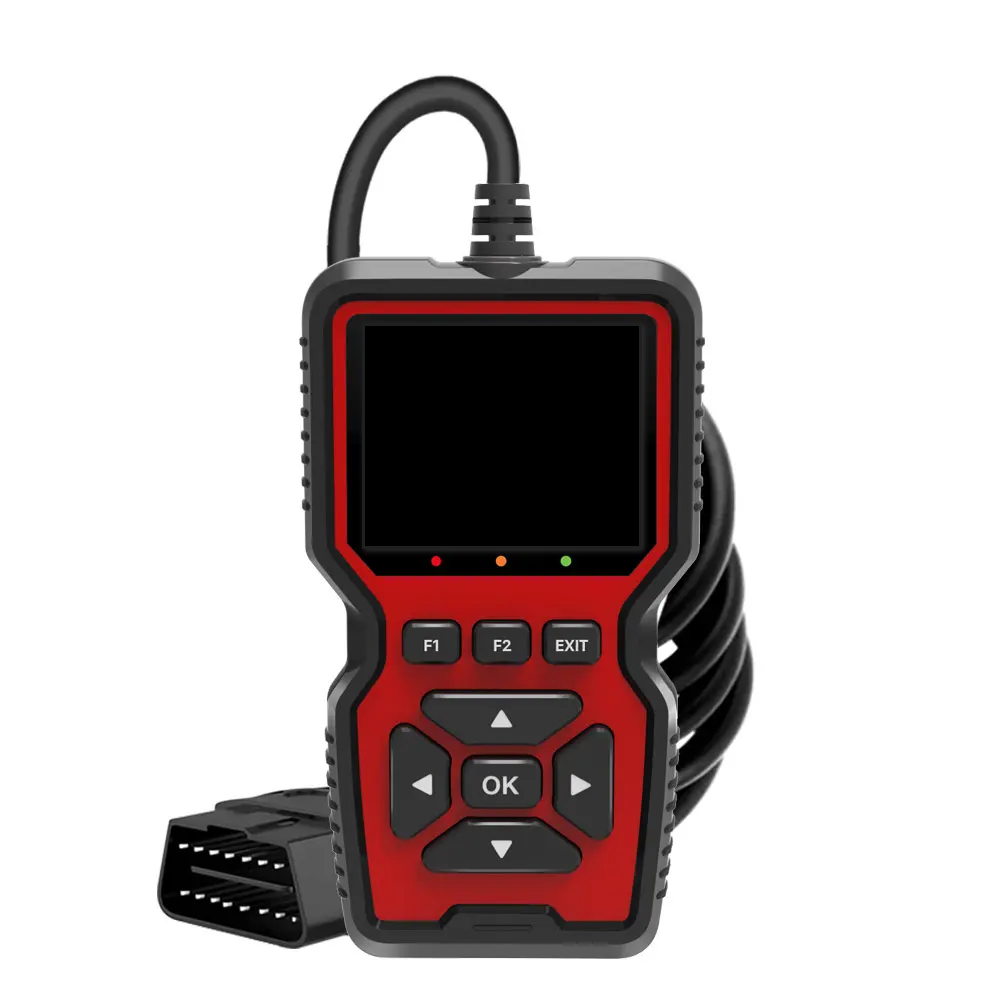
- Connect a professional-grade diagnostic scanner capable of accessing BCM or TCU specific data.
- Check for any other related B-codes (Body codes) or U-codes (Network Communication codes) that might indicate a broader communication issue.
- Access live data parameters for the telematics system. Look for a “Handset Present” or similar status PID (Parameter ID). If available, this PID should indicate the status of the handset’s connection. A reading of “Not Present” or “Fault” would corroborate the B1874 code.
- Attempt to clear the B1874 code and re-check to see if it immediately returns, which would indicate a hard fault.
- Digital Multimeter (DMM) Checks:
- With the wiring diagram for the integrated cellular phone system in hand, disconnect the harness connector from the handset/module.
- Power Supply Check: Using a DMM, check for proper voltage (typically 12V or battery voltage) at the power supply terminal(s) of the connector when the ignition is on.
- Ground Continuity Check: Use the DMM to check for good ground continuity at the ground terminal(s) of the connector to a known good chassis ground (resistance should be very low, typically less than 0.5 ohms).
- Communication Line Integrity: If the system uses a dedicated communication bus (e.g., LIN bus, specific data line) for handset detection, check the voltage levels on these lines according to manufacturer specifications. An open or short in these lines can prevent presence detection.
- Component Swap (if feasible and safe): If a known good, compatible handset or module is available, temporarily swapping it out can quickly determine if the original component is at fault. Ensure proper battery disconnection before swapping electrical components.
Recommended Repairs and Solutions
Addressing DTC B1874 typically involves one of the following repairs, based on diagnostic findings:
- Replace the Integrated Cellular Phone Handset/Module: If diagnostic steps confirm that the handset or its internal module is faulty (e.g., no power or ground issues, good wiring, but still “not present” on live data), replacement is necessary. Always use OEM or high-quality aftermarket components for compatibility and reliability.
- Repair or Replace Wiring Harness/Connectors: If visual inspection or DMM tests reveal damaged, corroded, or open/shorted wiring, perform precise repairs using appropriate connectors, terminals, and wire gauges, or replace the affected section of the harness. Ensure connections are sealed to prevent future corrosion.
- Replace Handset Cradle or Interface Unit: If the issue is traced to a faulty cradle or docking station that fails to make proper contact with the handset, replace this specific interface component.
- Replace Blown Fuse: If a blown fuse was identified, replace it with a fuse of the correct amperage. Investigate why the fuse blew; if it’s a recurring issue, there might be a short circuit downstream in the system.
- Perform BCM/TCU Software Update or Reset: In some cases, a module recalibration or software update, performed by a dealership or a shop with factory-level diagnostic tools, can resolve communication glitches. A hard reset of the BCM/TCU by disconnecting the battery for several minutes (observing manufacturer-recommended procedures) might also be attempted, though this is less targeted.
- Replace BCM/TCU (Rare): If all other components and wiring check out, and the BCM or TCU is confirmed to be internally faulty in its ability to detect the handset, replacement of the control module may be required. This often necessitates programming or coding the new module to the vehicle.
Mechanic’s Tip: When working on vehicle electronics, always disconnect the negative battery terminal before removing or installing components to prevent electrical damage. After completing repairs, clear the DTCs and perform a functional test of the integrated cellular phone system to confirm the issue is resolved.