
What Does Code B2100 Mean?
DTC B2100 signifies a detected malfunction within the driver’s door key cylinder switch circuit. This code is typically set by the Body Control Module (BCM), or in some vehicle architectures, the General Module (GM) or Door Module (DM). The driver’s door key cylinder switch provides critical input to the BCM, communicating the mechanical action of rotating a key in the door lock cylinder (e.g., lock, unlock, super-lock). The BCM continuously monitors the electrical signal (voltage or resistance) from this switch. When the BCM detects an improbable signal, an open circuit, a short circuit to ground, or a short circuit to voltage that deviates from its calibrated operational parameters, it records a B2100 diagnostic trouble code. This subsystem is integral to the vehicle’s central locking system, anti-theft security protocols, and convenience features related to mechanical key operation, impacting the vehicle’s ability to lock or unlock doors via the physical key and potentially affecting the alarm system.
Common Symptoms
- Inoperative Central Locking/Unlocking via Driver’s Door Key: The most direct and noticeable symptom, where turning the physical key in the driver’s door cylinder fails to lock or unlock all vehicle doors.
- Erratic or Inoperative Security System: The anti-theft alarm may trigger without cause, or fail to arm/disarm correctly when using the physical key in the driver’s door.
- No Interior Light Activation upon Key Unlock: Interior courtesy lights may not illuminate when the driver’s door is unlocked using the mechanical key.
- Remote Key Fob Inconsistencies: While the remote key fob may still function, its operation can become inconsistent or problematic if the BCM cross-references door lock status with the malfunctioning key cylinder switch input.
- Warning Indicator on Instrument Cluster: Although typically not illuminating the Check Engine Light (MIL), some vehicles may display a security system warning light or a door-related message on the instrument cluster.
What Causes the Code B2100?
- Faulty Driver’s Door Key Cylinder Switch: The switch mechanism itself, often an integrated component of the door lock actuator assembly, can fail internally due to mechanical wear, corrosion, contamination, or electrical component degradation.
- Wiring Harness Damage: Open circuits, short circuits (to ground or to a voltage source), or excessive resistance within the wiring harness connecting the driver’s door key cylinder switch to the BCM. Common failure points include wire chafing, insulation damage, or breakage within the flexible wiring conduit (door jamb boot) between the door and the vehicle body.
- Corroded or Damaged Electrical Connectors: Poor electrical contact, bent pins, or corrosion within the multi-pin connectors at either the key cylinder switch or the BCM can interrupt or distort the signal.
- Water Intrusion: Water ingress into the door cavity can cause corrosion and short circuits within the switch itself or its associated wiring.
- Faulty Body Control Module (BCM): Although less frequent, an internal malfunction within the BCM’s input circuit responsible for reading the key cylinder switch signal can erroneously set this code. This diagnosis should only be pursued after exhaustively ruling out all external components.
How to Diagnose and Troubleshoot
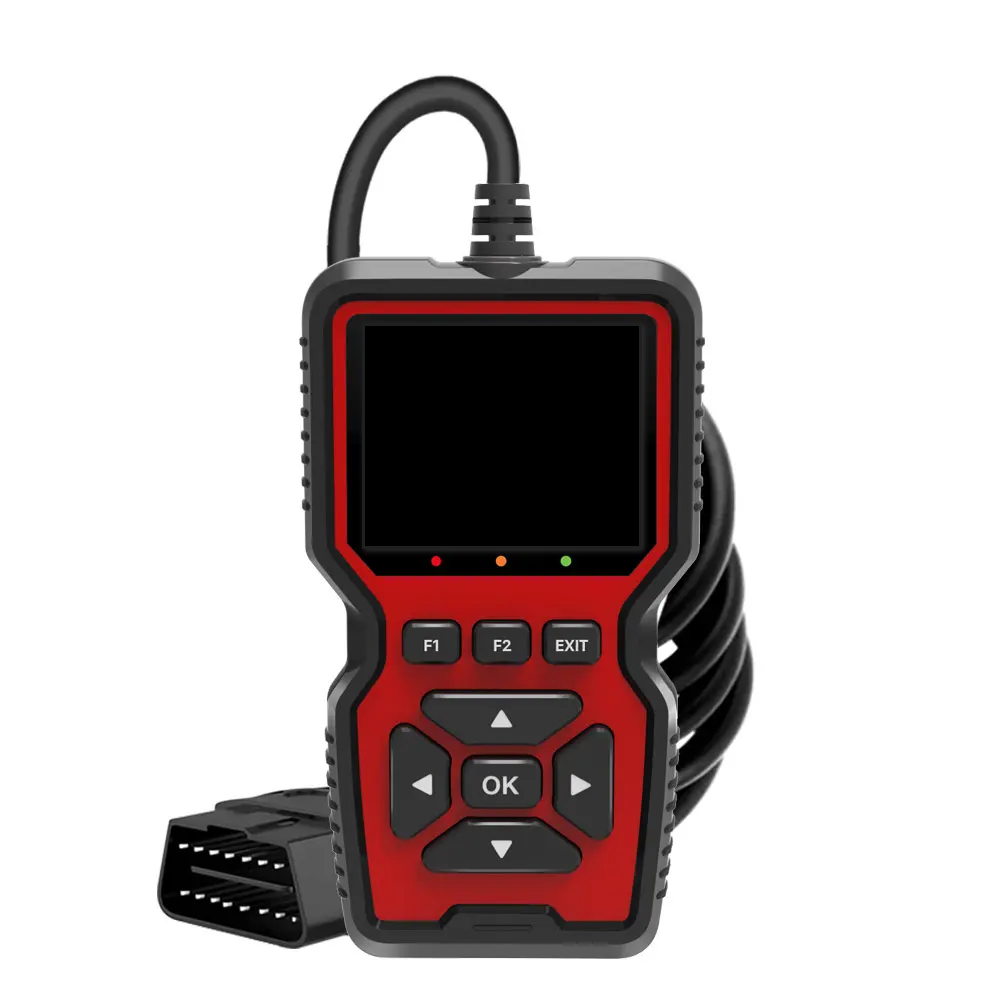
Diagnosis of a B2100 code requires a systematic approach, often utilizing a Digital Multimeter (DMM) and an advanced OBD-II diagnostic scanner capable of reading BCM data.
- Initial Scan and Freeze Frame Data Review: Connect an OBD-II scanner to retrieve the B2100 code and any associated freeze frame data. Note any other B-codes or U-codes, as they may indicate related electrical or network communication issues. Clear the DTC and retest to see if it immediately returns or if specific conditions are required for its re-establishment.
- Thorough Visual Inspection:
- Inspect the driver’s door key cylinder for any signs of physical damage, obstruction, or evidence of tampering.
- Carefully remove the driver’s door interior panel. Visually inspect the key cylinder switch, its electrical connector, and the entire wiring harness leading from the switch, through the door jamb boot, and towards the BCM. Look for signs of chafing, pinched wires, corrosion, or loose connections. Pay particular attention to the wiring within the flexible boot, as these wires are subject to constant flexing and are prone to fatigue failure.
- Key Cylinder Switch Continuity and Resistance Test:
- Disconnect the electrical connector from the key cylinder switch.
- Using a Digital Multimeter (DMM), perform a continuity and resistance test across the switch terminals while manually operating the key cylinder through its full range (lock and unlock positions). Consult the vehicle’s specific wiring diagram for the expected resistance values or continuity states for each key position. An open circuit, infinite resistance, or resistance values significantly outside manufacturer specifications for any position indicates an internal switch failure.
- Wiring Harness Integrity Test:
- With the switch still disconnected, use the DMM to test for appropriate reference voltage supply at the switch connector (if applicable, as per the wiring diagram).
- Perform continuity tests on each wire from the switch connector back to the corresponding pins at the BCM connector. Check for open circuits.
- Conduct short-to-ground tests on each wire by placing one DMM lead on the wire terminal and the other on a known good chassis ground. Similarly, test for short-to-voltage by checking for unwanted voltage on the signal wire with the ignition on.
- Inspect and test all ground connections related to the door module or BCM for cleanliness, tightness, and proper continuity to chassis ground.
- BCM Live Data Monitoring:
- If accessible with an advanced diagnostic scanner, monitor the BCM’s live data stream for the input status of the driver’s door key cylinder switch. Operate the key in the door cylinder and observe if the BCM registers the change in status (e.g., “Door Lock Key Cycle,” “Door Unlock Key Cycle”). If the BCM shows no change in input despite a verified good switch and wiring, this could point towards an internal BCM fault.
Recommended Repairs and Solutions
- Replace the Driver’s Door Key Cylinder Switch: If diagnostic tests conclusively point to an internal failure of the switch, replace the component. This often involves removing the door panel, and in many vehicles, the switch is integral to or sold with the entire door lock actuator assembly. Ensure the replacement part is an exact match for the vehicle’s make, model, and year.
- Repair or Replace Damaged Wiring Harness: If diagnostic procedures identify damaged, chafed, or corroded wiring, meticulously repair the affected sections using appropriate automotive-grade wire, heat-shrink butt connectors, and ensuring proper insulation. For extensive damage, particularly within the door jamb boot, replacing the entire wiring sub-harness may be the more reliable and durable solution. Secure all repaired wiring to prevent future damage or chafing.
- Clean and Secure Electrical Connectors: If corrosion or poor contact is found at any connector, thoroughly clean the terminals using an electrical contact cleaner and a suitable small brush. Ensure all connectors are fully seated and securely locked. Replace any connector housings or pins that show signs of significant damage.
- Address Water Intrusion: Identify and seal any sources of water leaks into the door cavity to prevent recurrence of corrosion or electrical damage. This may involve inspecting and repairing door seals, vapor barriers, and ensuring door drain holes are clear.
- BCM Replacement/Reprogramming: If all other components (switch, wiring, connectors) have been thoroughly tested and verified as functional, and BCM live data confirms no input, then the BCM itself may be faulty. BCM replacement is a complex and costly repair, almost always requiring specialized programming or coding to the vehicle’s immobilizer system and other modules. This typically necessitates dealer-level diagnostic equipment or specific aftermarket software. Always exhaust all other diagnostic possibilities before condemning the BCM.