
What Does Code B2112 Mean?
DTC B2112 indicates a “Door Driver Set Switch Stuck Failure.” This code is set by the Body Control Module (BCM) or a dedicated Driver Door Module (DDM), depending on the vehicle’s architecture. It signifies that the control module has detected that the input signal from the driver’s door “set” switch remains in an activated or closed state for an abnormal duration, or outside of expected operational parameters. The “set” switch is typically associated with memory functions, such as storing driver seat positions, exterior mirror positions, or steering column adjustments. The BCM/DDM continuously monitors the electrical status of various switches. When the module observes a persistent low resistance (closed circuit) or high resistance (open circuit interpreted as active, depending on circuit design) on the “set” switch’s dedicated input line, beyond a calibrated time threshold or logical sequence, it registers this fault. This indicates an electrical or mechanical malfunction preventing the switch from returning to its normal open (inactive) state, or an electrical issue mimicking a constant activation. The affected subsystem is primarily the vehicle’s body electrical system, specifically the driver’s side comfort, convenience, and memory functions.
Common Symptoms
- Inoperable Memory Functions: The primary symptom is the inability to save or recall driver’s seat, mirror, or steering column memory positions.
- Intermittent Functionality: Memory features may work intermittently or fail to respond predictably.
- Warning Indicator: Illumination of a specific warning light on the instrument cluster, such as a “Service Seat Memory” message, if equipped.
- Battery Drain: In rare cases, a constantly active switch could keep a module partially awake or draw minimal current, contributing to parasitic battery drain over extended periods.
- Uncommanded Actions: Extremely rare, but a stuck switch could theoretically trigger an unintended memory recall if the logic allows.
What Causes the Code B2112?
- Faulty Driver’s Door Set Switch: The most common cause. The switch itself may be mechanically stuck in the pressed position, have internal contacts that are shorted, or suffer from corrosion leading to a permanent low-resistance state.
- Wiring Harness Issues: A short to ground or a short to voltage in the signal wire between the driver’s door “set” switch and the BCM/DDM can mimic a constantly activated switch. Damage often occurs where the harness passes through the door jamb or within the door panel itself due to repetitive opening/closing cycles.
- Connector Corrosion or Damage: Contamination or corrosion within the electrical connector for the driver’s door switch assembly or the BCM/DDM can create unintended electrical pathways, leading to an erroneous signal.
- Faulty Driver Door Module (DDM) or Body Control Module (BCM): While less common, an internal fault within the control module itself could cause it to misinterpret the switch input signal, or its internal pull-up/pull-down circuitry could be compromised.
How to Diagnose and Troubleshoot
A systematic approach is crucial for diagnosing B2112:
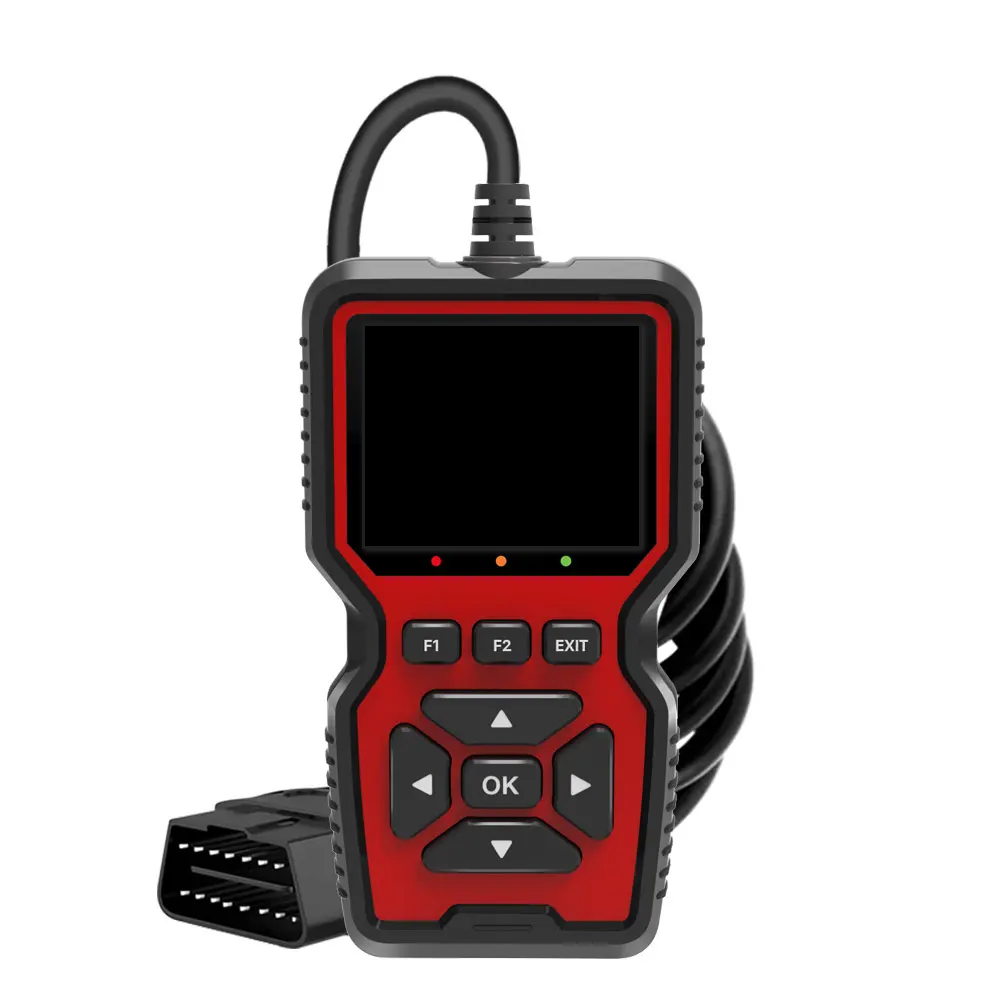
- Initial Scan Tool Diagnosis: Connect an OBD-II scanner capable of communicating with the BCM/DDM. Retrieve the B2112 code and any associated freeze frame data. Note any related codes or data parameters that might offer additional clues, such as voltage levels or ignition cycle counts.
- Visual Inspection:
- Inspect the physical “set” switch on the driver’s door panel. Ensure the button is not physically stuck, jammed by debris, or otherwise damaged.
- Carefully remove the door panel to inspect the rear of the switch assembly and its connector. Look for signs of water intrusion, corrosion, or physical damage to the wiring.
- Examine the wiring harness where it exits the door into the body chassis (the door jamb boot) for chafing, cuts, or pinched wires, as this area is prone to fatigue.
- Electrical Testing with a Digital Multimeter (DMM):
- Switch Functionality Test: Disconnect the electrical connector from the driver’s door switch assembly. Identify the specific terminals for the “set” switch. Using a DMM set to resistance (Ohms), measure across these terminals. When the switch is not pressed, it should show infinite resistance (open circuit). When pressed, it should show very low resistance (near 0 Ohms, closed circuit). A stuck switch will show continuous low resistance or continuous open, depending on its failure mode and circuit design.
- Wiring Harness Integrity Test: With the switch assembly still disconnected and the DDM/BCM connector also disconnected (if safe and accessible), test the continuity of the signal wire from the “set” switch connector to the DDM/BCM connector. Resistance should be very low (typically < 5 Ohms). Check for shorts to ground by placing one DMM lead on the signal wire terminal and the other on a known good chassis ground point. Check for shorts to voltage by re-connecting the DDM/BCM (if necessary to energize the circuit) and measuring voltage on the signal wire with the switch disconnected.
- Power and Ground: Verify proper power supply and ground integrity to the driver’s door switch assembly if applicable, using the DMM.
- Scan Tool Live Data Monitoring: If your scanner supports it, access live data parameters for the DDM or BCM. Look for the input status of the “driver door set switch” or similar. Observe this parameter while manually pressing and releasing the switch. If the parameter remains “active” or “closed” even when the switch is physically released, it confirms an issue with the switch or its wiring.
- Component Isolation: If electrical tests on the switch and wiring are inconclusive, try disconnecting the driver’s door switch assembly and then clear the DTCs. Drive the vehicle or cycle the ignition. If the B2112 code does not return, it strongly points to the switch assembly as the culprit. If the code returns immediately, the fault is likely in the wiring harness or the control module itself.
Recommended Repairs and Solutions
Based on the diagnostic findings, the following repairs are typically recommended:
- Replace the Driver’s Door Set Switch or Switch Assembly: This is the most frequent repair. In many vehicles, the “set” switch is not sold individually but as part of a larger driver’s door switch panel or memory seat control module integrated into the door panel. Always opt for an OEM equivalent or a high-quality aftermarket component to ensure proper fit and function.
- Repair or Replace Damaged Wiring: If the wiring harness is found to be shorted, open, or corroded, perform a professional repair using automotive-grade wiring, solder, and heat-shrink tubing. For extensive damage, replacement of the relevant section of the harness may be necessary. Ensure proper strain relief and protection for the repaired section.
- Clean Corroded Connectors: If corrosion is identified on connector terminals, carefully clean them using an appropriate electrical contact cleaner and a small brush. Apply dielectric grease to prevent future corrosion once the connection is dry and reassembled.
- Replace the Driver Door Module (DDM) or Body Control Module (BCM): This should only be considered after thoroughly ruling out the switch and all associated wiring. If module replacement is necessary, be aware that many modern control modules require programming or coding to the vehicle’s specific options and VIN using specialized dealer-level diagnostic tools after installation.
- Post-Repair Verification: After completing any repair, clear all stored DTCs. Operate the driver’s door memory functions multiple times (save and recall seat/mirror/column positions) to confirm the issue is resolved and the B2112 code does not return. A road test may also be beneficial.