
What Does Code B2197 Mean?
DTC B2197 signifies a detected fault within the vehicle’s Television (TV) Tuner Module or its associated circuitry. This code is typically set by the Body Control Module (BCM), Infotainment Control Module, or another gateway module responsible for managing the vehicle’s comfort and entertainment systems, rather than directly by the Powertrain Control Module (PCM/ECM). The BCM, or relevant control unit, monitors the operational status, internal diagnostics, and communication integrity of the TV module. When the TV module fails to respond to diagnostic requests, reports an internal malfunction, or exhibits anomalous electrical characteristics (e.g., incorrect power draw, signal errors), the monitoring module will log B2197. This indicates an actual hardware or internal software fault within the TV module itself, or a critical issue with its power supply, ground, or communication lines, preventing its proper function. The subsystem directly affected is the vehicle’s infotainment and entertainment system, specifically the ability to receive and display television broadcasts or process auxiliary video inputs routed through this module.
Common Symptoms
- No Television Functionality: The primary symptom is a complete lack of operation from the TV tuner module, resulting in a black screen or “No Signal” message when attempting to access TV functions.
- Infotainment System Glitches: Intermittent freezing, slow response, or general erratic behavior of the entire infotainment system, particularly if the TV module is part of a critical communication bus.
- Error Messages on Screen: Display of specific error messages on the vehicle’s infotainment screen related to the TV tuner or multimedia system.
- Inoperative Auxiliary Video Inputs: If the TV module is responsible for managing auxiliary video input sources (e.g., DVD player, external camera), these functions may also be inoperative.
- Battery Drain: In rare cases, an internally faulty TV module could remain active or draw excessive current even when the vehicle is off, leading to parasitic battery drain.
What Causes the Code B2197?
- Internal TV Module Failure: The most common cause, indicating a permanent internal electronic malfunction or software corruption within the TV tuner module itself.
- Damaged or Corroded Wiring/Connectors: Compromised electrical integrity in the power, ground, or communication (CAN Bus, MOST Bus, LIN Bus) wiring leading to the TV module. This includes frayed wires, open circuits, short circuits, or corroded pins within the module connector or inline connectors.
- Insufficient Power Supply: A blown fuse, a high-resistance power feed, or a poor ground connection preventing the TV module from receiving adequate operating voltage.
- Communication Bus Malfunction: An interruption or fault on the vehicle’s data communication network (e.g., CAN-Bus or MOST-Bus) that prevents the BCM or infotainment controller from communicating with the TV module. This could be an open, short, or impedance issue on the data lines.
- Water Ingress: Exposure of the TV module or its wiring to moisture, leading to internal component corrosion or short circuits.
How to Diagnose and Troubleshoot
A systematic diagnostic approach is crucial for B2197. Begin with the following steps:
- Visual Inspection:
- Locate the TV module (often in the trunk, under a seat, or behind the dashboard).
- Inspect the module and its multi-pin connector for signs of physical damage, corrosion, bent pins, or water ingress. Pay close attention to the harness for any chafing, pinching, or heat damage.
- Check all vehicle fuse boxes for blown fuses related to the infotainment system, multimedia, or specifically the TV module. Consult the vehicle’s wiring diagrams for fuse locations and ratings.
- OBD-II Scanner & Network Scan:
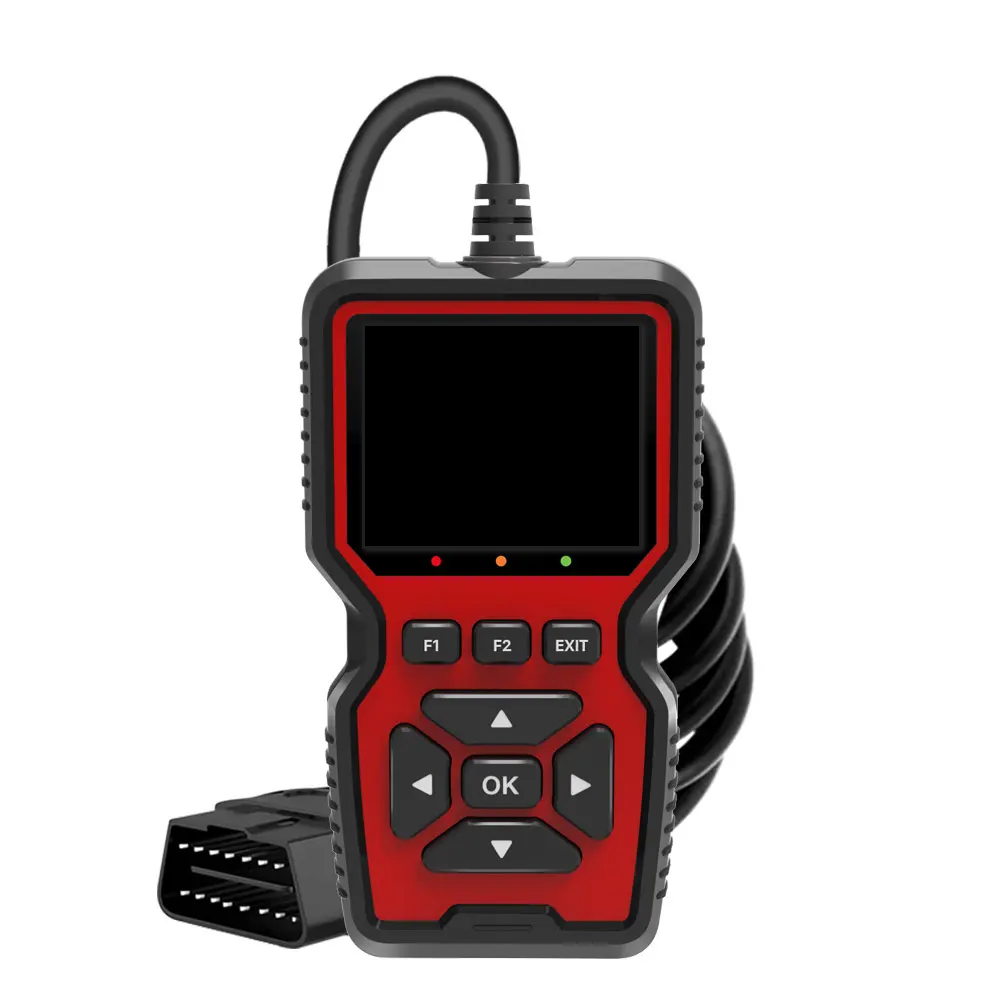
- Connect a professional diagnostic scanner capable of communicating with all vehicle modules (not just the PCM).
- Perform a complete vehicle network scan to retrieve all stored Diagnostic Trouble Codes (DTCs) from the BCM, Infotainment Control Module, Gateway Module, and any other relevant control units. Look for U-codes (communication errors) that might accompany B2197, as they could indicate a network issue rather than just a module fault.
- Attempt to communicate directly with the TV module using the scanner. If communication is impossible, this strongly suggests a power, ground, or communication bus issue, or a completely failed module.
- Check live data parameters for the TV module, if available, such as module status, power supply voltage reported by the module, or internal diagnostics.
- Digital Multimeter (DMM) Testing:
- Power and Ground: With the TV module connector disconnected (or back-probed carefully), use a DMM to verify battery voltage (B+) on the power supply wire(s) and a stable ground connection on the ground wire(s). Key-on, key-off, and start positions may need to be checked if the power supply is switched. Reference the vehicle’s wiring diagram for correct pin identification.
- Resistance Checks: Check for continuity to ground on the ground circuit (should be very low resistance, <0.5 ohms). Check for opens on power circuits.
- Communication Lines: If a communication issue is suspected (especially if U-codes are present), perform resistance checks on CAN High/Low lines at the module connector. For CAN-Bus, typical resistance between CAN H and CAN L at the module should be approximately 60 ohms (due to parallel terminating resistors). For MOST bus, visual inspection of fiber optic cables for kinks or damage is important, and specialized tools may be needed for diagnostics.
- Component Test (If Possible): If access to a known good TV module or a test bench setup is available, swapping the module can quickly confirm or rule out an internal module fault. However, new modules often require programming.
Recommended Repairs and Solutions
The resolution for B2197 depends directly on the root cause identified during diagnosis:
- Repair Wiring and Connectors: If diagnosis points to damaged wiring (open circuits, shorts) or corroded connector pins, carefully repair or replace the affected section of the harness or connector. Use OEM-grade repair techniques, including proper crimping, soldering (if applicable for specific wires), and heat-shrink tubing for environmental sealing. Ensure all pins are clean and seated securely.
- Replace Blown Fuses: If a blown fuse is found, replace it with a fuse of the correct amperage. However, investigate why the fuse blew; a short circuit in the TV module or its wiring could be the underlying cause that needs addressing.
- Replace Faulty TV Module: If all power, ground, and communication circuits test good, and the TV module still fails to communicate, respond, or function correctly, replacement of the TV module is typically necessary.
- Important Mechanic’s Tip: Many new TV modules require specific programming, coding, or SCN coding (Software Calibration Number) using a factory-level diagnostic tool (e.g., Mercedes-Benz XENTRY, BMW ISTA, VAG ODIS) to synchronize with the vehicle’s VIN and other control modules. Failure to program the new module will likely result in continued malfunction or other DTCs.
- Important Mechanic’s Tip: Before installing a new module, ensure the environment it sits in is dry and sealed to prevent recurrence of water damage if that was the original cause.
- Diagnose and Repair Communication Bus: If diagnosis indicates a fault on the vehicle’s communication bus (e.g., short to ground on CAN-L, open MOST fiber optic cable), the specific bus fault must be identified and repaired. This may involve tracing wiring, using an oscilloscope to analyze waveforms, or replacing damaged bus components.