
What Does Code B2405 Mean?
DTC B2405 signifies an Audio Single-Disc CD Player Thermal Shutdown Fault. This is a manufacturer-specific code, commonly encountered in General Motors, Ford, and Chrysler vehicles, although its precise definition can vary slightly by make and model. Fundamentally, this code indicates that the internal control module or circuitry within the vehicle’s single-disc CD player unit has detected an excessive operating temperature. Upon detecting this over-temperature condition, the CD player’s internal thermal protection system initiates a shutdown sequence to prevent damage to its sensitive electronic components, such as power amplifiers, laser assemblies, or control processors. This fault status is then communicated via the vehicle’s data bus (e.g., CAN, LIN) to the Body Control Module (BCM) or a dedicated infotainment gateway module, which in turn sets the B2405 diagnostic trouble code. The primary subsystem affected is the vehicle’s infotainment system, specifically the functionality related to audio playback from the compact disc medium.
Common Symptoms
- Complete cessation of CD player operation; inability to play, insert, or eject discs.
- Display of error messages on the head unit screen such as “CD ERROR,” “TEMP OVERLOAD,” “DISC ERROR,” or “CD HOT.”
- Intermittent functionality of the CD player, especially after prolonged use or in high ambient temperatures.
- The head unit may experience random power cycling, freezing, or unresponsiveness when attempting to access the CD player function.
- Distorted or absent audio output specifically when the CD player is selected as the audio source.
- The head unit or surrounding dashboard area may feel excessively warm to the touch.
What Causes the Code B2405?
- Internal Component Failure: Overheating due to a fault within the CD player’s internal amplifier stage, power supply circuit, laser assembly driver, or processor. These components can fail and generate excessive heat or misreport temperature.
- Obstructed Ventilation: Blockage of the head unit’s cooling vents or exhaust ports, typically located on the rear or top of the unit, preventing adequate heat dissipation. This can be caused by debris, dust accumulation, or improper installation.
- Cooling Fan Malfunction: Failure of an integrated cooling fan within the head unit (present in some premium audio systems) designed to dissipate heat from internal components.
- Excessive External Heat Exposure: Prolonged operation of the vehicle in high ambient temperatures, combined with direct sunlight exposure on the dashboard, can overwhelm the head unit’s cooling capabilities.
- Poor Electrical Ground/Voltage Fluctuation: An inadequate or intermittent ground connection to the head unit can cause increased resistance and localized heating within its power circuits. Similarly, unstable voltage supply can stress internal components.
- Mechanical Friction in CD Mechanism: Increased friction within the CD loading or spinning mechanism can cause motors to overwork, draw excessive current, and generate abnormal heat.
How to Diagnose and Troubleshoot
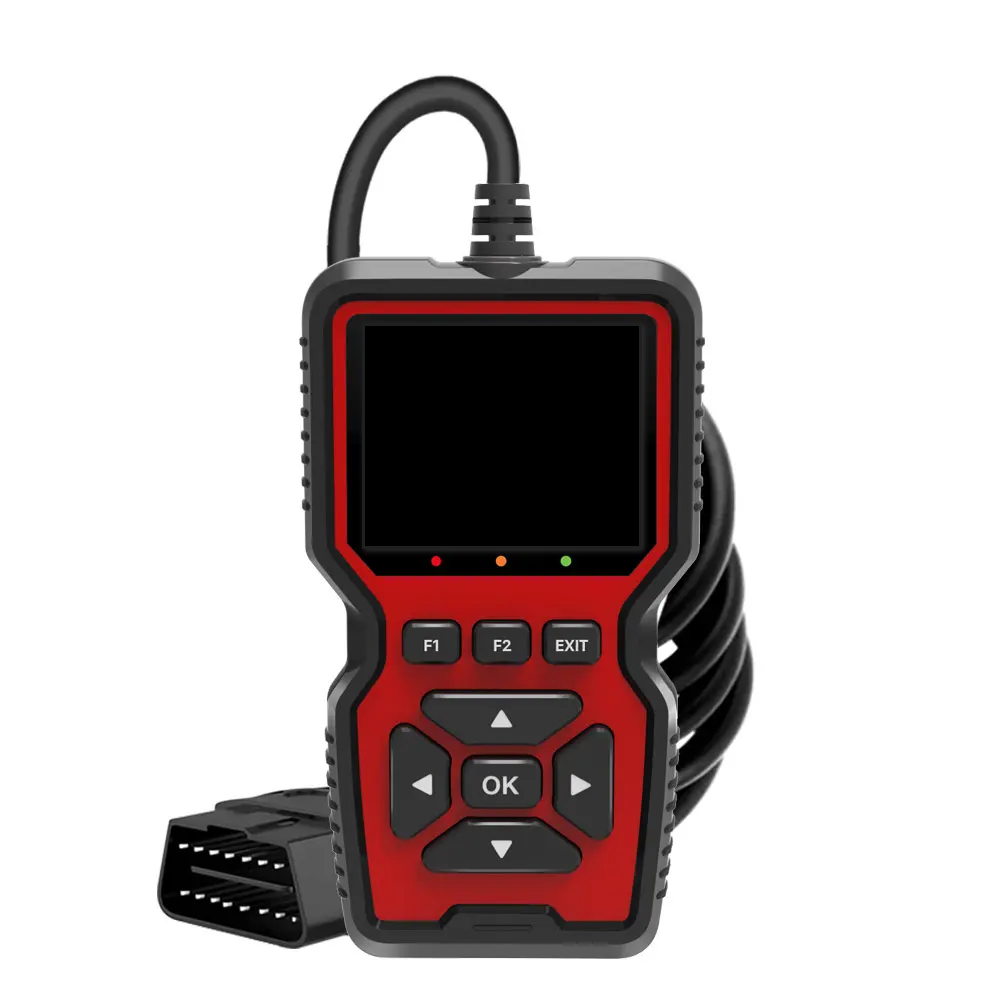
Diagnosis of a B2405 code requires a systematic approach, often leveraging an advanced OBD-II scanner and a digital multimeter (DMM).
- Verify the Complaint and Retrieve All DTCs: Begin by confirming the customer’s reported symptoms regarding the CD player. Connect an advanced OBD-II diagnostic scanner capable of communicating with the Body Control Module (BCM) and infotainment system modules. Retrieve all stored Diagnostic Trouble Codes (DTCs), noting any related communication, power supply, or data bus codes that may indicate a broader electrical issue.
- Visual Inspection:
- Carefully inspect the head unit and surrounding dashboard area for any signs of physical damage, aftermarket modifications, or obstructions around the unit’s ventilation openings. Ensure no foreign objects are blocking airflow to the head unit’s chassis.
- Check for dust, debris, or any items placed on top of or around the head unit that might trap heat.
- Verify proper seating and condition of all wiring harnesses connected to the head unit, paying attention to signs of corrosion, fraying, or loose connections.
- Electrical System Verification:
- Access the rear of the head unit (or consult wiring diagrams for remote connections). Using a DMM, check the voltage supply (B+ or accessory voltage) and ground circuits at the head unit’s primary connector. Ensure stable 12V supply and verify proper ground continuity (resistance to chassis ground should be less than 0.5 ohms). Low voltage or a poor ground can cause components to draw excessive current and overheat.
- If equipped, check the integrity of the data bus lines (e.g., CAN High, CAN Low) using the DMM’s resistance function or an oscilloscope for signal integrity, as communication errors can sometimes manifest as functional issues.
- Temperature Monitoring (if possible):
- If the diagnostic scanner supports enhanced data parameters for the infotainment system, look for real-time temperature readings for the audio control unit. Monitor these parameters during operation of the CD player.
- If no sensor data is available, operate the CD player for a sustained period (if it will function). Carefully feel the head unit’s chassis (especially the rear and top) for excessive heat. An infrared thermometer can provide more accurate readings for comparison against expected operating temperatures.
- Component Isolation: If the vehicle has a multi-component audio system (e.g., separate amplifier, CD changer), ensure the fault is isolated to the single-disc CD player within the head unit and not a shared component. Temporarily disconnecting other components, if practical, can help with isolation.
- CD Player Functionality Test: Attempt to insert a known-good CD. Observe if the unit attempts to load, play, or eject the disc. Listen for abnormal noises from the CD mechanism that might indicate mechanical binding or motor issues.
Recommended Repairs and Solutions
Addressing the B2405 code typically involves rectifying the source of the thermal overload. The most common repairs and solutions include:
- Clear Obstructed Ventilation: Ensure all cooling vents on the head unit are completely clear of dust, debris, and any obstructions. Advise the vehicle owner against placing items on or around the head unit that could impede airflow.
- Address External Heat Sources: Counsel the owner on practices to mitigate excessive heat exposure, such as using sunshades when parked in direct sunlight during hot weather.
- Repair or Replace Cooling Fan: If the head unit is equipped with an internal cooling fan and it is found to be faulty (not spinning, making abnormal noise), attempt to replace the fan if it is a serviceable part. In many integrated head units, this may necessitate unit replacement.
- Head Unit Replacement: In most instances where an internal component failure is causing the thermal shutdown, the recommended and most cost-effective long-term solution is the replacement of the entire audio head unit assembly. Internal repairs to the sensitive electronic components of a CD player (e.g., amplifier stages, laser assemblies) are often complex, require specialized micro-soldering skills, and may not be economically viable compared to replacing the unit. When replacing, ensure the new unit is compatible and properly programmed or coded to the vehicle’s BCM, if required, to ensure full functionality and anti-theft system compliance.
- Verify Wiring and Ground Integrity: Before resorting to head unit replacement, thoroughly inspect and verify all power, ground, and communication wiring to and from the head unit. Repair any corroded, loose, or damaged connections to ensure stable power delivery and communication.
- Software Updates: In rare cases, a manufacturer may release a software or firmware update for the infotainment system that addresses erroneous thermal reporting or power management issues. Always check for available service bulletins or software updates from the vehicle manufacturer.