
What Does Code B2143 Mean?
DTC B2143 signifies an internal failure within a vehicle control module’s Non-Volatile Memory (NVM). NVM is a crucial type of computer memory that retains its stored information even when power is removed, such as when the vehicle is turned off or the battery is disconnected. This memory typically houses critical system parameters, vehicle configuration data (e.g., VIN, optional features, security codes, immobilizer keys), learned adaptation values (e.g., idle learned values, fuel trims, transmission shift adaptations), odometer data, and module-specific calibration maps.
The control module, which could be a Powertrain Control Module (PCM), Body Control Module (BCM), Instrument Cluster Module (ICM), or another specialized unit, continuously performs internal diagnostics, including checksum verification and data integrity checks on its NVM. When the module detects that stored NVM data is corrupted, inaccessible, or cannot be written/read reliably, it registers a B2143 code. This indicates a severe internal anomaly preventing the module from correctly storing or retrieving its persistent operational parameters, directly impacting its ability to function as intended or maintain critical vehicle settings across ignition cycles.
Common Symptoms
- Persistent warning lights: Illumination of the Malfunction Indicator Lamp (MIL), security light, ABS light, or other system-specific warning indicators.
- Loss of learned adaptations: Erratic idle, rough running, improper shift points, or reduced fuel economy due as the module cannot retain learned operational parameters.
- Security system malfunctions: Inability to start the vehicle, unexpected immobilization, or issues with remote keyless entry or alarm systems if the NVM stores security-related data.
- Incorrect odometer reading or inability to update: If the module affected is responsible for odometer data storage, it may display an incorrect value or fail to increment.
- Intermittent or total loss of specific vehicle functions: Depending on the module, this could include issues with power windows, lighting, climate control, or infotainment functions if their operational parameters are stored in the affected NVM.
- Inability to program or reflash the module: Diagnostic tools may report programming failures, as the NVM cannot reliably accept new software or calibration data.
What Causes the Code B2143?
- Internal control module defect: This is the most common cause, involving a physical degradation or failure of the NVM chip itself (e.g., EEPROM, Flash memory) or internal circuitry within the module responsible for memory access.
- Voltage fluctuations or transients: Severe power surges, undervoltage conditions, or improper jumps during vehicle battery events can corrupt NVM data or physically damage memory cells.
- Software corruption during an update: An interrupted or failed module reflash or programming procedure can leave the NVM in an inconsistent or corrupted state.
- Age and thermal cycling: Over extended periods, the memory cells within the NVM can degrade due to repeated read/write cycles and thermal stress, leading to data retention issues.
- Electromagnetic interference (EMI): Although less common, severe EMI could potentially interfere with memory operations, leading to data corruption.
How to Diagnose and Troubleshoot
Diagnosing B2143 requires a systematic approach focusing on module integrity and power supply:
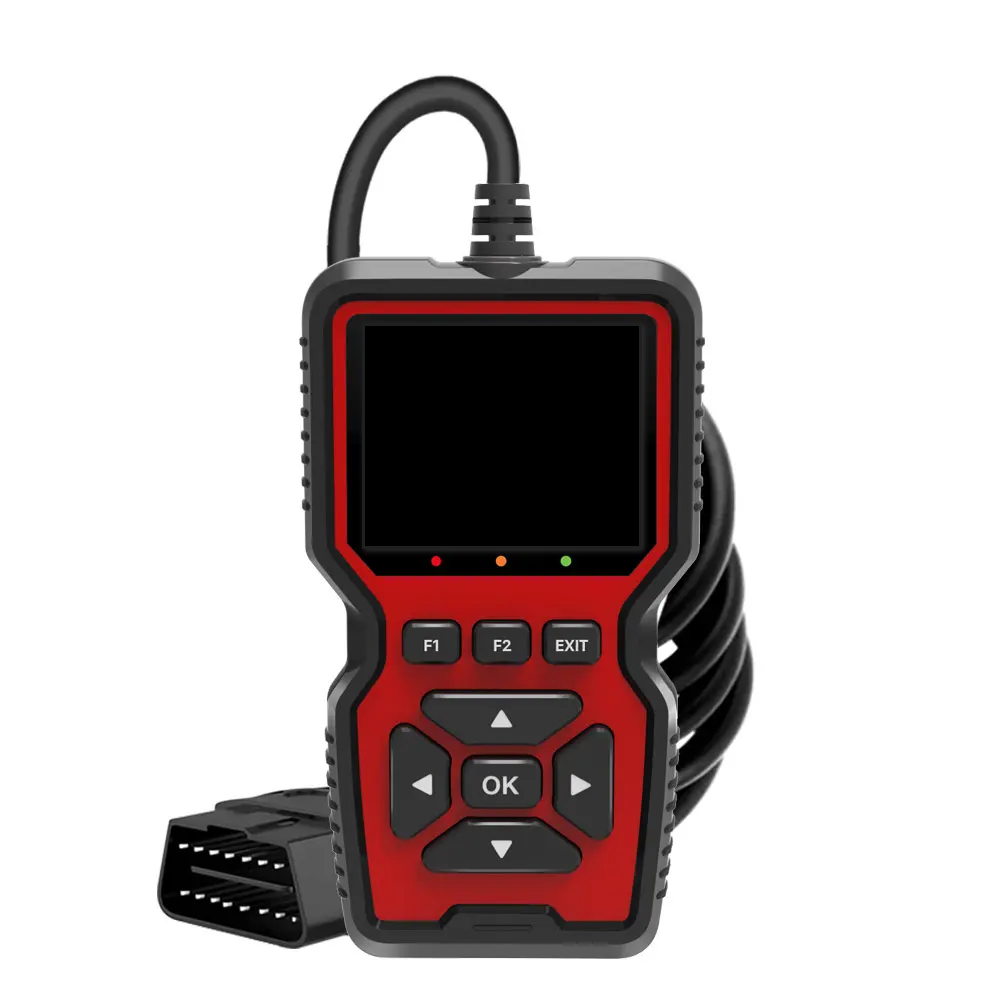
- Verify the DTC and Freeze Frame Data: Use an OBD-II diagnostic scanner to confirm the presence of B2143. Analyze any accompanying Freeze Frame Data to understand the operating conditions (engine speed, temperature, voltage, etc.) at the time the code was set. Check for other related DTCs that might point to a broader electrical or communication issue.
- Perform a thorough visual inspection: Inspect the affected control module’s wiring harness and connectors for signs of damage, corrosion, or improper seating. Pay close attention to power and ground circuits. Examine the vehicle battery and charging system for proper operation, as voltage irregularities can contribute to module issues.
- Check module power and ground circuits: With a Digital Multimeter (DMM), carefully back-probe the power and ground terminals at the control module connector (refer to OEM wiring diagrams for pinouts). Verify that the module is receiving consistent battery voltage (B+) and a solid ground connection. Perform a voltage drop test on both power and ground circuits under load to rule out excessive resistance. Any fluctuation or low voltage can compromise NVM integrity.
- Attempt Module Communication and Self-Tests: Use the diagnostic scanner to attempt communication with the affected module. Perform any available module self-tests or functional checks. If communication is intermittent or impossible, it reinforces the likelihood of an internal module fault or a significant power/ground issue.
- Check for OEM Service Bulletins/Recalls: Research any known issues or software updates specific to the vehicle’s year, make, and model that might address NVM-related problems. In some cases, a software reflash can resolve data corruption if the memory hardware itself is not completely faulty.
- Consider Module Reprogramming/Reflashing: If power and ground are verified good, and there are no external wiring issues, an authorized OEM diagnostic tool might be used to attempt a module reflash or update. This can sometimes clear NVM corruption, but if the internal hardware is damaged, the reflash will likely fail or the code will quickly return.
Recommended Repairs and Solutions
Given that B2143 signifies an internal NVM memory failure, the primary solution almost invariably involves the replacement of the affected control module.
- Control Module Replacement: This is the most common and effective repair. Once the faulty module has been identified through diagnostics, it must be replaced with a new or properly refurbished unit. It’s crucial to ensure the replacement module is compatible with the vehicle’s specific options and specifications.
- Module Programming and Calibration: After replacing any control module, it is typically necessary to perform several post-installation procedures. This includes programming the module with the latest OEM software, configuring it to the vehicle’s specific options (e.g., VIN, immobilizer data, security keys), and sometimes performing specific calibration routines (e.g., throttle body relearn, transmission quick learn). Failure to program and calibrate the new module correctly will likely result in continued issues or new DTCs.
- Addressing Underlying Causes (if applicable): Before installing a new module, ensure that any detected external factors that might have contributed to the NVM failure are resolved. This includes repairing damaged wiring, addressing persistent voltage fluctuations in the charging system, or rectifying poor ground connections.
Mechanic’s Tips:
- Always disconnect the battery before replacing any control module to prevent electrical spikes.
- Document all existing module configurations and adaptations using a capable diagnostic scanner before removal, as some data may need to be manually transferred or relearned by the new module.
- Utilize a stable power supply (e.g., battery maintainer) when performing module programming or reflashing to prevent voltage drops that could corrupt the new module’s NVM.
- Many modern modules are part of a complex network. If one module fails, ensure proper communication exists throughout the network after replacement and programming.
- Be aware that some modules, especially those related to vehicle security (e.g., BCM, ICM), may require specialized OEM diagnostic tools and access to manufacturer security gateways for proper programming and key learning.