
What Does Code B2144 Mean?
Code B2144, indicating “NVM Alarm Data Failure,” signifies a critical integrity or accessibility issue within the vehicle’s security system concerning parameters stored in Non-Volatile Memory (NVM). This diagnostic trouble code (DTC) is typically set by the Body Control Module (BCM) or a dedicated Security System Module (SSM), rather than directly by the Engine Control Module (ECM) or Powertrain Control Module (PCM). However, in integrated vehicle networks, the PCM may log or report this B-code if it detects an issue with a connected module’s security data integrity, as it often relies on the BCM/SSM for immobilizer status to allow engine start.
NVM is specialized memory designed to retain critical data—such as immobilizer codes, remote key fob programming, alarm arming/disarming states, and other security-related configurations—even when the vehicle’s battery power is disconnected. When the BCM or SSM detects that this vital alarm data is corrupted, invalid, inconsistent, or completely inaccessible from its NVM, it triggers the B2144 code. This failure prevents the security system from performing its intended functions reliably, as it cannot properly authenticate or manage alarm states based on compromised data, leading to various security-related malfunctions.
Common Symptoms
- Inoperative or intermittent remote key fob functions (lock/unlock, panic, trunk release).
- Security indicator lamp (SVS, Immobilizer, Theft) illuminated on the dashboard.
- Vehicle starting issues, including a no-start condition or intermittent starting due to immobilizer activation.
- False alarms or the inability to arm/disarm the alarm system.
- Central locking system malfunctions.
- Unusual or erratic behavior of interior lighting or other body electrical components controlled by the BCM.
What Causes the Code B2144?
- Internal Fault within the BCM/Security Module: The most common cause is a defective or corrupted internal non-volatile memory chip within the Body Control Module (BCM) or Security System Module (SSM), leading to data corruption or loss.
- Power Supply Irregularities: Intermittent or unstable voltage supply to the BCM/SSM (e.g., due to a weak battery, poor battery terminals, or damaged power feed wiring) can cause NVM data corruption during write cycles.
- Ground Circuit Issues: Poor or corroded ground connections for the BCM/SSM can lead to voltage fluctuations and data integrity problems.
- Communication Bus Interruption: While less direct, a fault on the vehicle’s CAN bus or LIN bus that prevents proper communication or data synchronization between the BCM/SSM and other modules can indirectly lead to perceived data corruption or access issues.
- Water Intrusion or Physical Damage: Exposure of the BCM/SSM to moisture or physical impact can damage internal circuitry, including the NVM.
- Improper Module Programming/Reprogramming: Errors during module flashing, software updates, or key programming can inadvertently corrupt the NVM alarm data.
How to Diagnose and Troubleshoot
Diagnosing B2144 requires a methodical approach, focusing on the security module and its essential inputs:
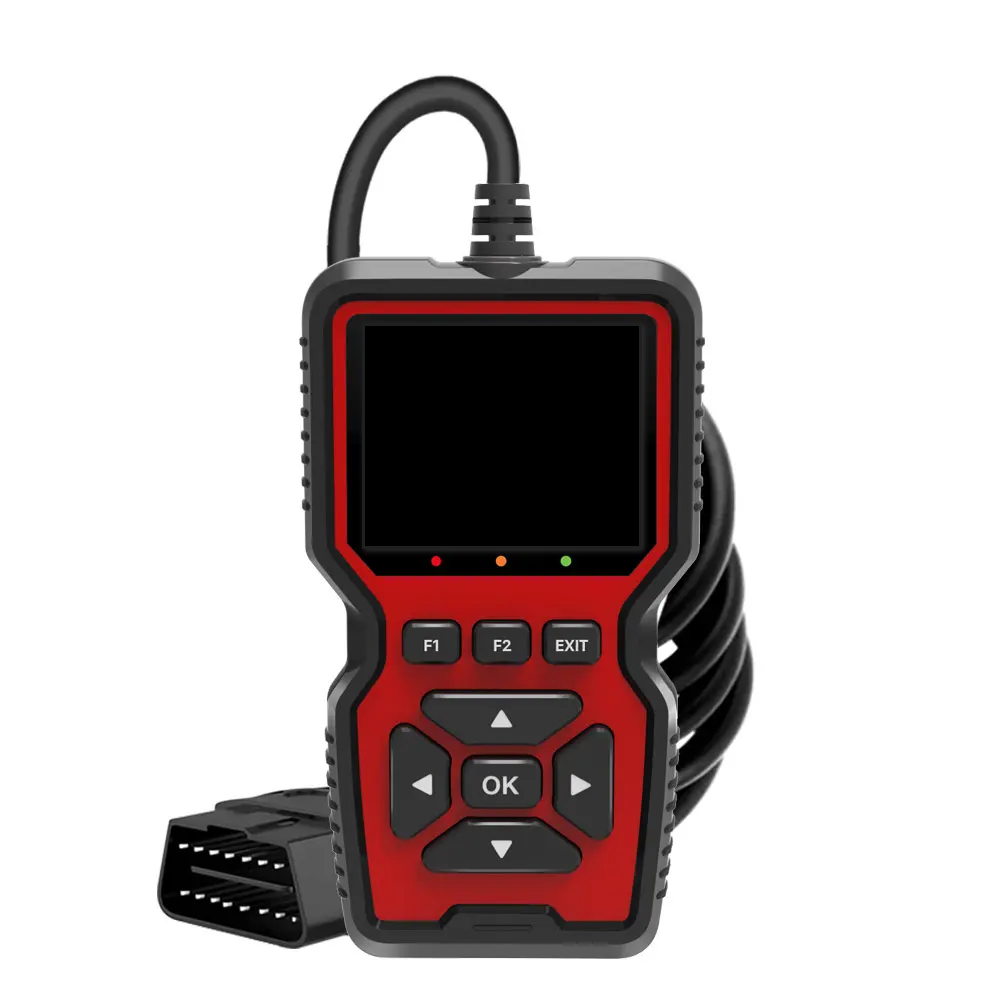
- Retrieve All DTCs and Freeze Frame Data: Connect an OBD-II scanner capable of communicating with body control modules. Retrieve all stored DTCs, especially B-codes, and any freeze frame data associated with B2144. This can provide context on operating conditions when the fault occurred.
- Visual Inspection:
- Inspect the vehicle’s battery and charging system. Ensure the battery voltage is stable (typically 12.6V or higher static, 13.5-14.5V running) and the terminals are clean and tight.
- Locate the BCM or Security System Module (consult service information for its exact location).
- Visually inspect the module’s wiring harness and connectors for signs of corrosion, damage, chafing, or improper seating. Pay close attention to power and ground wires.
- Check for any signs of water intrusion around the module’s location.
- Power and Ground Circuit Integrity Test:
- With the ignition OFF and then ON, use a Digital Multimeter (DMM) to back-probe the BCM/SSM connector to verify consistent battery voltage (B+) and solid ground at the specified pins (refer to the vehicle’s wiring diagrams).
- Check for any significant voltage drop across power feeds or ground circuits. A drop of more than 0.2V on either circuit is indicative of excessive resistance.
- Communication Bus Check:
- If available, use an advanced scan tool to check the status of the CAN bus or other relevant communication networks. Look for ‘lost communication’ DTCs or module presence on the network.
- On some vehicles, an oscilloscope can be used to inspect CAN bus signals for proper voltage levels and waveform integrity, though this is an advanced step.
- Module Self-Test/Diagnostic Routines:
- Many advanced scan tools offer module-specific diagnostic routines for the BCM/SSM, including self-tests or data read functions. Attempt to run these to see if the module reports any internal faults or corrupt data.
- Check for security-related data parameters within the BCM’s live data stream, if accessible, to see if alarm data is reporting as ‘invalid’ or ‘corrupted’.
- Check for Technical Service Bulletins (TSBs): Consult manufacturer-specific TSBs or recalls for your vehicle’s make and model year. B2144 might be a known issue with a specific repair procedure or software update.
Recommended Repairs and Solutions
Based on the diagnostic findings, the following repairs are typically recommended:
- Repair Power and Ground Circuits: If power or ground issues were identified, repair or replace the affected wiring, clean corroded terminals, or secure loose connections. Ensure the vehicle’s battery and charging system are in optimal condition.
- Address Water Intrusion: If water damage is evident, locate and seal the leak source. Dry out the affected area thoroughly and inspect all wiring and connectors for secondary damage.
- BCM/Security Module Replacement and Programming: If all external circuits (power, ground, communication) are confirmed good, the most common solution for B2144 is the replacement of the faulty BCM or Security System Module.
- Important Mechanics’ Tip: When replacing the BCM/SSM, it is almost always necessary to program (flash) the new module with the correct vehicle software and perform immobilizer/key relearn procedures using a factory-level scan tool. Failure to do so will result in a no-start condition or continued security system malfunctions. Ensure all keys are present during this programming.
- Communication Bus Repair: If a specific communication bus fault is found to be contributing to the issue, repair the wiring or connectors on the affected bus segment.