
What Does Code B2385 Mean?
DTC B2385 signifies a detected malfunction within the audio navigation mute input circuit. This code is typically registered by the Audio Control Module (ACM), Infotainment Control Module (ICM), or a similar body control module responsible for multimedia functions. The primary function of this circuit is to receive a signal from the navigation system, a telematics unit, or a hands-free communication module (e.g., for incoming calls) that commands the audio system to either mute completely or significantly reduce the volume of the currently playing audio source. This allows critical information, such as navigation voice prompts or phone call audio, to be heard clearly without interference from radio, CD, or media playback.
The control module monitors the voltage, resistance, or digital signal integrity of this dedicated input circuit. When the module detects an abnormal condition—such as a continuous open circuit, a short to ground, a short to voltage, or an implausible signal state that deviates from factory specifications for a predetermined period—it interprets this as a “circuit failure” and stores the B2385 code. This indicates that the necessary signal to trigger the audio mute function is not being correctly received or transmitted, preventing the system from performing its intended muting operation.
Common Symptoms
- Navigation Voice Prompts Obscured: The most common symptom is that navigation voice instructions are inaudible or difficult to hear because the primary audio source (radio, CD, etc.) does not mute or reduce volume when a prompt is issued.
- Hands-Free Call Audio Interference: During an incoming or active hands-free phone call, the primary audio source may not mute or lower its volume, making it difficult to converse.
- Intermittent Audio Volume Fluctuations: In some cases, an intermittent fault in the mute circuit could cause sporadic and unintended volume dips or cuts.
- Lack of Audio Mute Functionality: The audio system may fail to mute under any circumstances that normally trigger this function (e.g., door chimes, seatbelt warnings, if routed through the audio system).
- Infotainment System Malfunctions: While less common for a dedicated mute circuit, persistent electrical issues could potentially affect other related infotainment functions.
What Causes the Code B2385?
- Faulty Wiring: The most frequent cause involves issues with the dedicated mute input wire. This can include an open circuit (break in the wire), a short circuit to ground, or a short circuit to battery voltage within the wiring harness connecting the navigation/telematics unit to the audio control module.
- Corroded or Damaged Connectors: Electrical connectors, particularly those exposed to moisture or vibration, can develop corrosion or suffer from bent, pushed-out, or fractured pins. This can lead to an intermittent or complete loss of continuity for the mute signal.
- Internal Audio Control Module (ACM) Fault: The ACM itself may have an internal electronic fault preventing it from correctly interpreting the mute input signal or failing to perform the muting action. This is less common but possible.
- Internal Navigation Unit or Telematics Unit Fault: If the navigation unit or hands-free module is responsible for generating the mute signal, an internal failure in that unit could prevent the signal from being sent to the ACM.
- Improper Grounding: Poor or corroded ground connections for either the ACM, navigation unit, or related modules can lead to incorrect voltage readings or signal integrity issues within the mute circuit.
- Aftermarket System Interference: Incorrectly installed aftermarket audio, navigation, or hands-free systems can improperly tap into or interfere with the OEM mute circuit, leading to this diagnostic trouble code.
How to Diagnose and Troubleshoot
A systematic diagnostic approach is crucial for accurately identifying the root cause of B2385.
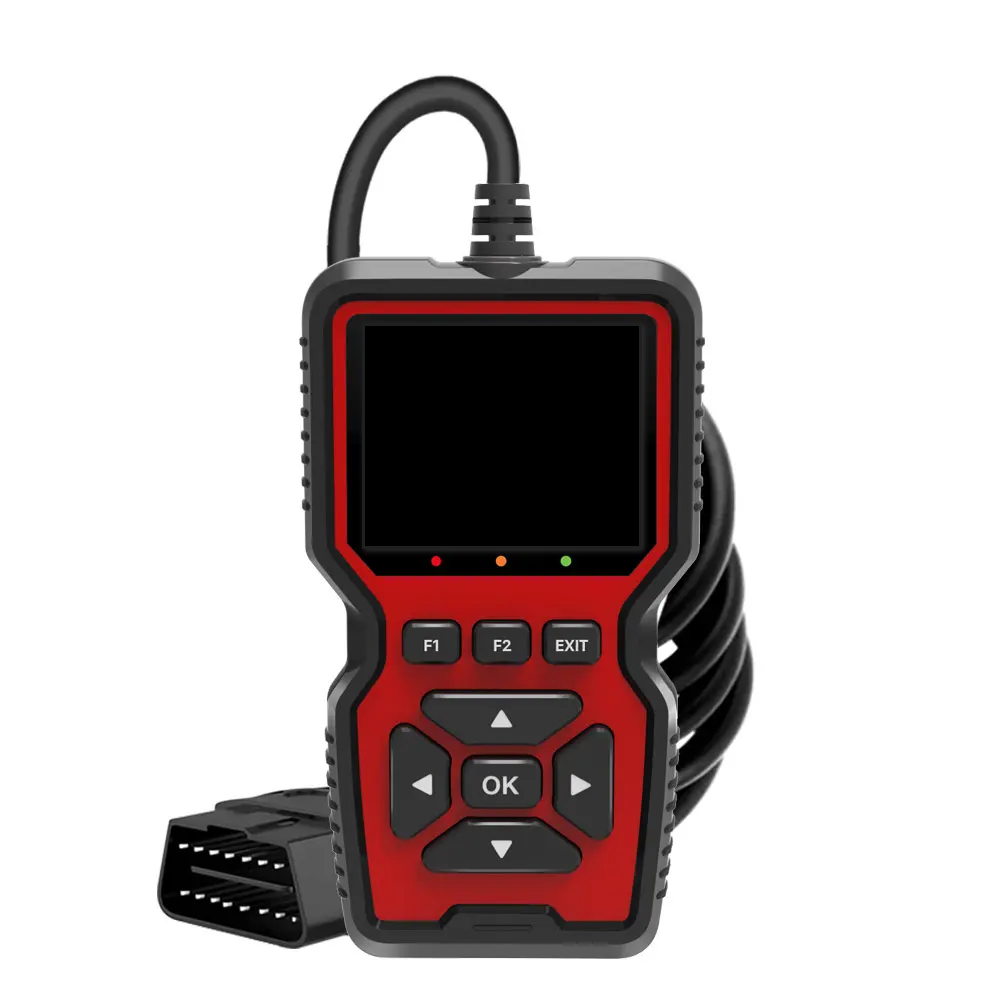
- Retrieve and Document DTCs: Connect an OBD-II diagnostic scanner to retrieve all stored DTCs. Note if B2385 is present as a current or history code, and check for any related communication (U-codes) or power supply (B-codes) faults that could indirectly affect the infotainment system.
- Visual Inspection: Begin with a thorough visual inspection of the wiring harness and connectors associated with the Audio Control Module (ACM), Navigation Unit, and any telematics or hands-free modules. Look for signs of chafing, cuts, pinches, or corrosion on wires and connectors. Ensure all connectors are fully seated.
- Obtain Wiring Diagrams: Acquire the vehicle-specific wiring diagram for the audio/navigation mute input circuit. This is critical to identify the correct wire colors, pin locations, and module interconnections.
- Power and Ground Check: Using a Digital Multimeter (DMM), verify proper power (B+ and ignition switch run/accessory) and ground connections at the ACM and the navigation/telematics unit. Voltage drops on power or ground circuits can mimic an open mute circuit.
- Mute Input Circuit Continuity Test:
- Disconnect the relevant multi-pin connectors from the ACM and the navigation/telematics unit.
- Using the wiring diagram, identify the mute input wire at the ACM connector and the mute output wire at the navigation/telematics unit connector.
- Test for continuity between these two points using the DMM’s ohm function. An open circuit (OL or infinite resistance) indicates a break in the wire.
- While testing, gently flex and wiggle the wiring harness to detect intermittent breaks.
- Mute Input Circuit Short to Ground/Voltage Test:
- With the connectors still disconnected, test the mute input wire (at both ends, if applicable) for a short to ground. Place one DMM lead on the mute wire pin and the other on a known good chassis ground. Any reading near 0 ohms indicates a short to ground.
- Test for a short to voltage. With the ignition in the “RUN” position (but relevant modules disconnected), place one DMM lead on the mute wire pin and the other on a known good chassis ground, setting the DMM to read DC voltage. Any significant voltage (e.g., 12V) indicates a short to battery voltage.
- Component Functional Test (if applicable): Some advanced diagnostic scanners may offer specific output tests or functional checks for the navigation or audio unit to verify their internal muting capabilities or signal generation.
- Signal Verification (Advanced): If the mute signal is a specific voltage level (e.g., drops from 5V to 0V to mute), use the DMM or an oscilloscope to monitor the signal at the ACM input while triggering the mute function (e.g., initiating a navigation prompt or simulated phone call). Verify the signal changes as expected.
Recommended Repairs and Solutions
Once the precise cause of the B2385 code has been identified through diagnosis, the following repairs or solutions are commonly applied:
- Repair or Replace Damaged Wiring: If an open circuit or short is found in the wiring harness, the damaged section of wire should be professionally repaired. This involves soldering the broken wires, applying heat-shrink tubing for insulation, and ensuring the repair is robust. For extensive damage, replacing the entire affected sub-harness may be more practical. Always use wire of the correct gauge and insulation.
- Clean or Repair Connectors: Corroded or dirty connector pins should be meticulously cleaned using electrical contact cleaner and a fine brush. Bent or damaged pins should be carefully straightened or replaced if possible. Apply dielectric grease upon reassembly to prevent future corrosion.
- Replace Faulty Audio Control Module (ACM) or Navigation Unit: If all wiring and external signals are verified to be correct, and power/ground to the modules are good, but the mute function still fails, the internal failure of the ACM or the navigation/telematics unit is likely. Replacement of the confirmed faulty module will be necessary. Note that new modules often require programming or coding to the vehicle’s network using a specialized factory diagnostic tool.
- Address Grounding Issues: If poor ground connections were identified, clean and secure all ground points for the relevant modules. Ensure metal-to-metal contact is free of paint, rust, or corrosion.
- Inspect Aftermarket Installations: If aftermarket audio or navigation equipment is present, thoroughly inspect its wiring and connections, especially where it interfaces with the OEM system. Disconnect aftermarket components temporarily to see if the B2385 code clears or the mute function restores, indicating interference.
Mechanic’s Tip: Always disconnect the vehicle’s battery before performing any electrical work, especially when dealing with module replacements or extensive wiring repairs, to prevent accidental shorts or damage to sensitive electronics. After any repair, clear the DTCs and perform a road test or a functional test of the mute system to confirm the repair is successful and the code does not return.